grandnavi M630 Pro 6.5" Motorcycle CarPlay & Android Auto Display
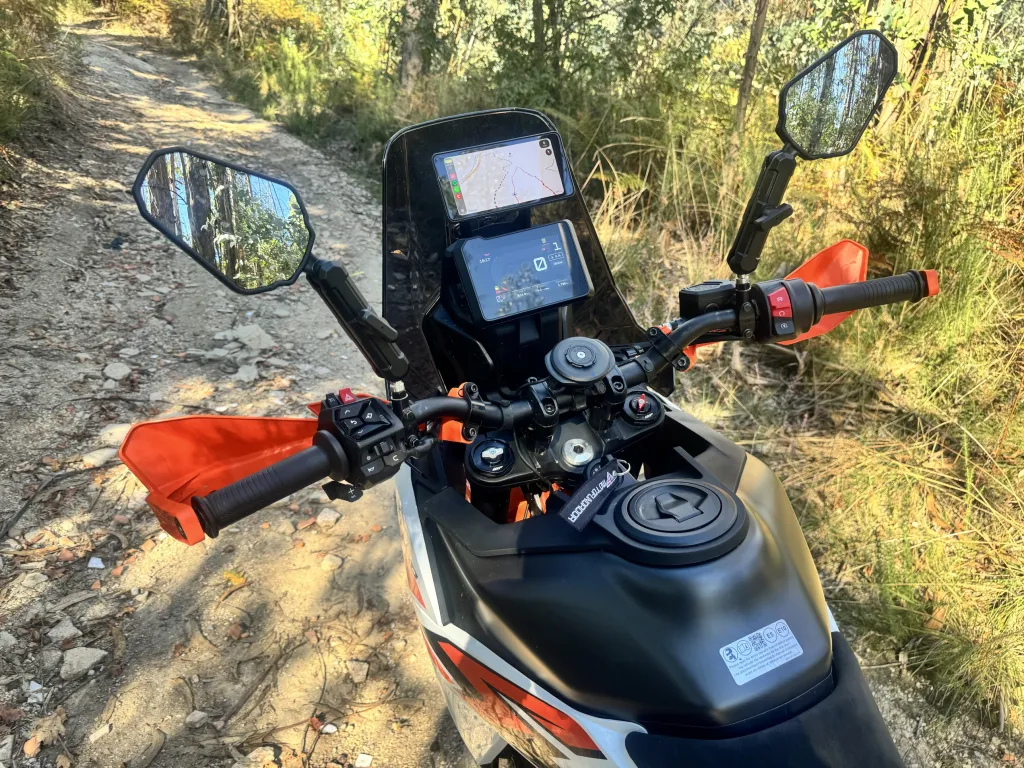
We spent months riding with one of the cheapest CarPlay screens we could find. It did the job — until its touchscreen slowly became prone to ghost touches, registering input nobody made, especially off-road (we wrote about it in our 5" budget screen field test).
So we stepped up. We bought the grandnavi M630 Pro, a 6.5-inch screen at roughly double the price, and put it on one of our motorcycles.
It runs OffTrail over wireless Apple CarPlay and Android Auto, the IPS panel is noticeably sharper and more vivid, and the whole unit is thinner and lighter. Six hundred kilometres of off-road riding in, we have not had a single ghost touch.
One thing to be clear about up front: this is not a brighter screen. Brightness is still around 800 nits and the glass is glossy, so in strong direct sun the reflections are actually more noticeable. The upgrade is panel quality and, so far, a touchscreen that behaves.
Quick verdict
A clear step up from an entry-level CarPlay screen, for roughly double the money.
The 6.5-inch IPS display is bigger, sharper and more vivid than the 5-inch budget unit, and still fits an adventure-bike cockpit.
Wireless CarPlay and Android Auto worked well in our testing with OffTrail.
Six hundred kilometres off-road with no ghost touches so far. That is a promising start, not a final verdict — the cheaper screen was fine at first too, so we will keep reporting as the kilometres add up.
Brightness is around 800 nits and the screen is glossy: readable in most light, with reflections in strong direct sun. The gain over cheaper screens is the sharper IPS panel, not peak brightness.
Screen size, brightness, waterproof rating and Bluetooth are the manufacturer's figures. Everything else here is what we observed in our own riding.
Why we stepped up
For months our OffTrail car screen was a sub-€50 5-inch unit. It was remarkable value — but over time its touchscreen became prone to ghost touches, registering input the rider never made, especially on rough ground. OffTrail's Auto Lock kept that from derailing navigation, but we wanted a screen that simply did not do it.
So we tried a better-built one, and so far it has delivered.
What is it like to use?
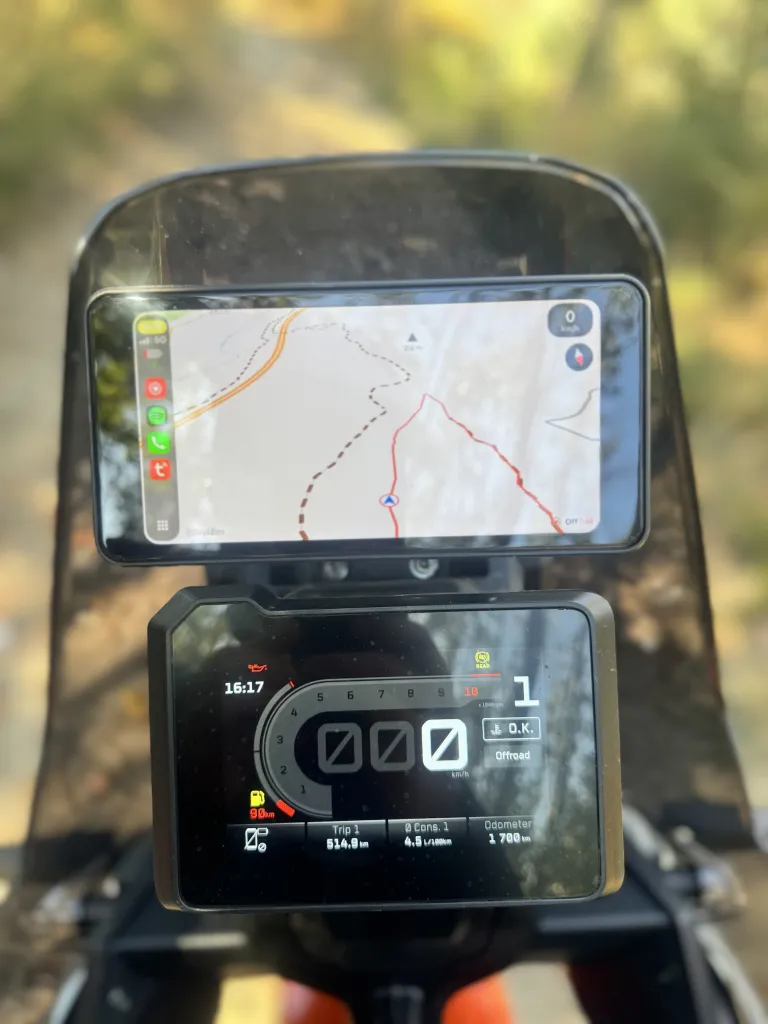
The M630 Pro is a 6.5-inch IPS display. Next to the old 5-inch screen the difference is obvious: more resolution, more vivid colours, and a thinner, lighter body.
The phone stays safely stored while the display provides the CarPlay or Android Auto interface directly in the rider's field of view. OffTrail's map, route line and track read clearly, and the larger panel shows a bit more map around the rider — without turning the cockpit into another smartphone.
What happens off-road?
This is exactly where the previous screen let us down, so it is what we watched most closely.
In our first 600 km of off-road riding — rocks, corrugations and sustained vibration — the M630 Pro has not produced a single ghost touch.
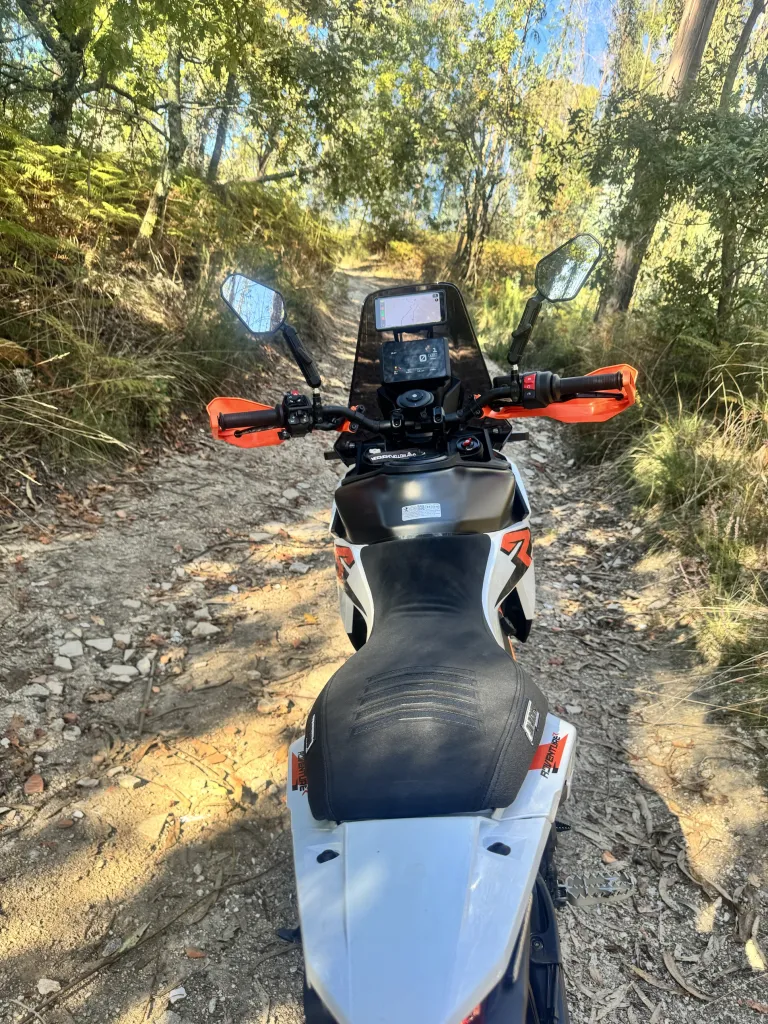
We want to be honest about what that does and does not prove. The cheaper screen was also fine at first and only degraded over months of use. Six hundred kilometres is a promising start, not a verdict — we will keep reporting as the kilometres add up. Both screens were wired the same way (12 V to the battery with a ground wire), so the install was unchanged between them.
Sunlight and the glossy screen
Here is the honest trade-off: this is not a brighter screen. Brightness is around 800 nits — the same class as the cheaper unit — and the glass is glossy rather than matte.
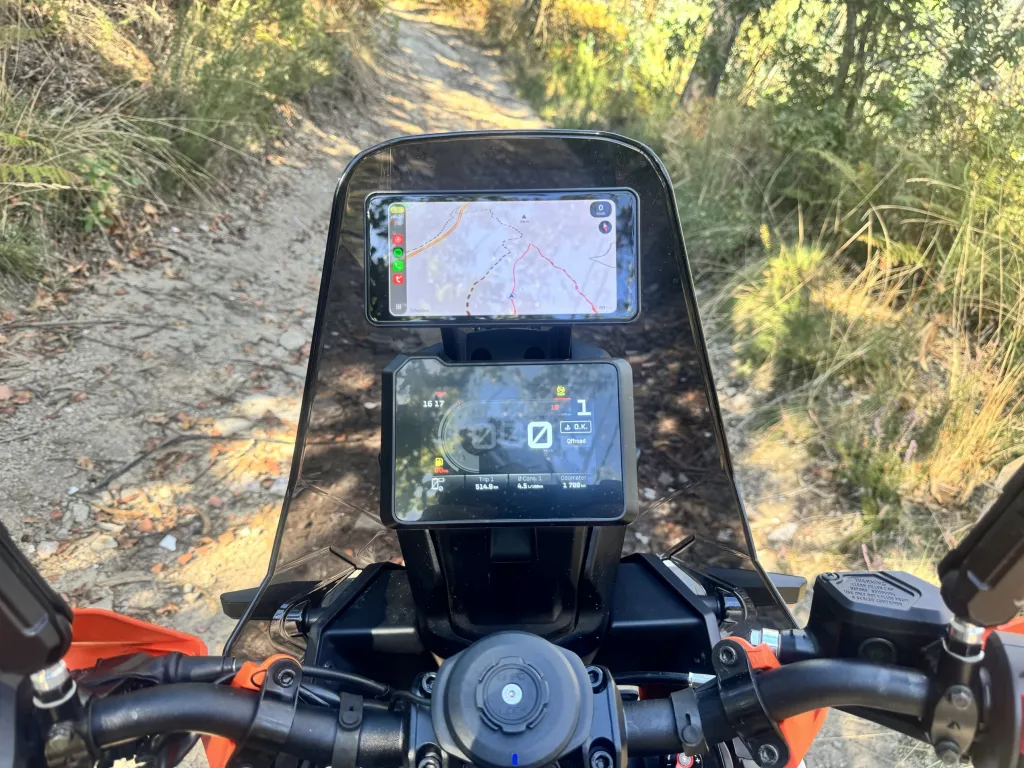
In shade and overcast light it looks excellent. In strong direct sun you will see reflections, and a matte screen would handle that better. The map stays readable, but if you ride mostly in harsh sunlight, keep that in mind — the sharper panel does not change the brightness.
Our mounting: the same Quad Lock hack
The M630 Pro ships with its own handlebar bracket. We did not use it.
As with our previous screen, we fitted a Quad Lock Universal Adaptor to the back and run it on the same Quad Lock mounts already on our motorcycles.
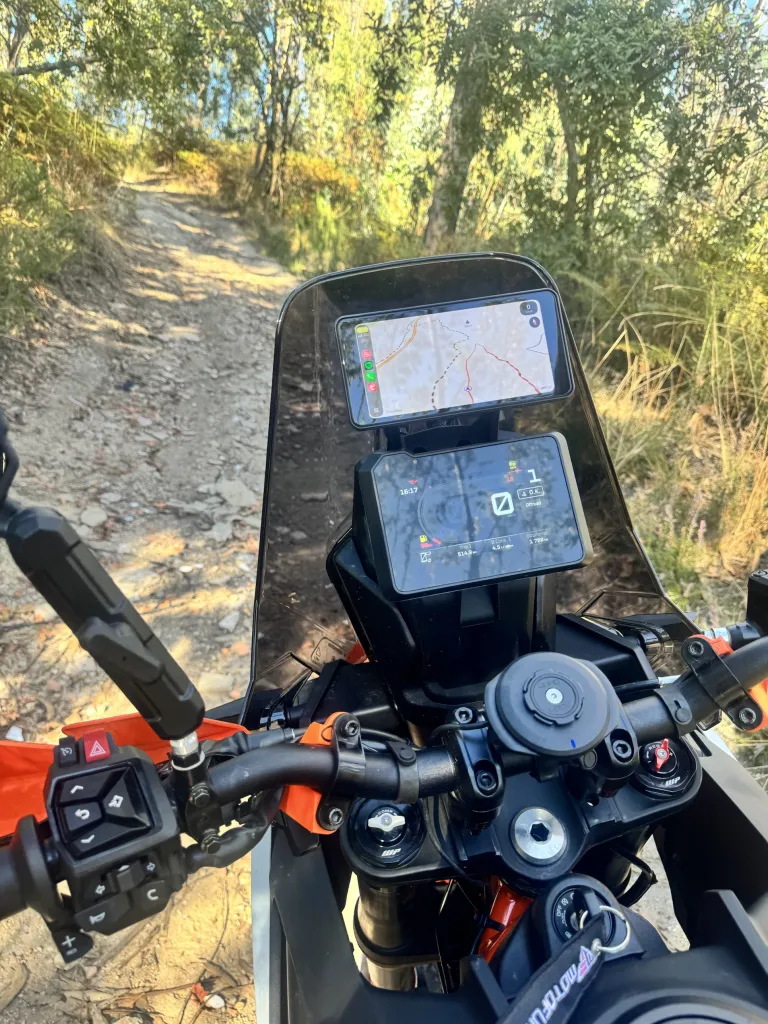
That meant swapping screens did not mean re-doing the mounting: the new one clicks onto the Quad Lock mounts we already had.
What we like
- Sharper, more vivid 6.5-inch IPS screen.
- Wireless Apple CarPlay.
- Wireless Android Auto.
- Thinner and lighter than the budget screen.
- IP67 waterproof and dustproof.
- No ghost touches in our first 600 km off-road.
- Works with our existing Quad Lock mounts.
- Runs OffTrail well.
What to know
- It is not brighter — around 800 nits, like cheaper screens.
- The glossy glass shows reflections in strong direct sun.
- 600 km is an encouraging start; long-term reliability is still something we are watching.
- No microSD card support.
- Roughly double the price of entry-level screens.
- Marketplace pricing and product revisions can change.
Who does it make sense for?
This screen makes most sense for riders who want a sharper, better-built CarPlay / Android Auto display than the cheapest options, and who spend enough time off-road to care about a touchscreen that stays reliable.
It is particularly interesting if you want OffTrail on CarPlay or Android Auto on a motorcycle without jumping to a much more expensive dedicated navigation device.
If you just want the cheapest way to try OffTrail on a car screen, an entry-level unit still makes sense. If you ride a lot of rough terrain, the extra outlay buys a nicer screen and, so far, fewer surprises.
Where we bought it
Marketplace prices, specifications and product revisions can change. This is the unit we purchased and tested — the "Pro" variant, with the 12 V battery power cable. Not an affiliate link.
Using CarPlay or Android Auto for adventure riding?
OffTrail brings simple GPX navigation to your motorcycle through your phone, Apple CarPlay or Android Auto. Load a GPX, create a route, download your maps and ride.
Free. No ads. No account.


New to GPX on the car screen? Read how to use GPX with CarPlay or the full User Guide.
FAQ
Does the grandnavi M630 Pro work with OffTrail?
Yes. We tested it with OffTrail using Apple CarPlay and Android Auto.
Is a 6.5-inch screen good for motorcycle navigation?
We found the 6.5-inch IPS display a comfortable size for navigation on an adventure motorcycle — bigger and sharper than the 5-inch budget screen we used before, while still fitting the cockpit.
Does the M630 Pro get ghost touches off-road?
In our first 600 km of off-road riding we have not experienced ghost touches. The cheaper 5-inch screen we used before became prone to them over time, so we will keep reporting as the kilometres add up.
Is the M630 Pro bright enough in sunlight?
Brightness is around 800 nits and the glass is glossy, so in strong direct sun there are reflections, but the map stays readable. It is not brighter than cheaper screens; the gain is a sharper IPS panel, not peak brightness.
Can I mount the M630 Pro with Quad Lock?
It ships with its own bracket, but we fitted a Quad Lock Universal Adaptor to the back and use our existing Quad Lock mounts — the same modification we made to our previous screen. This is our own modification, not an official integration.